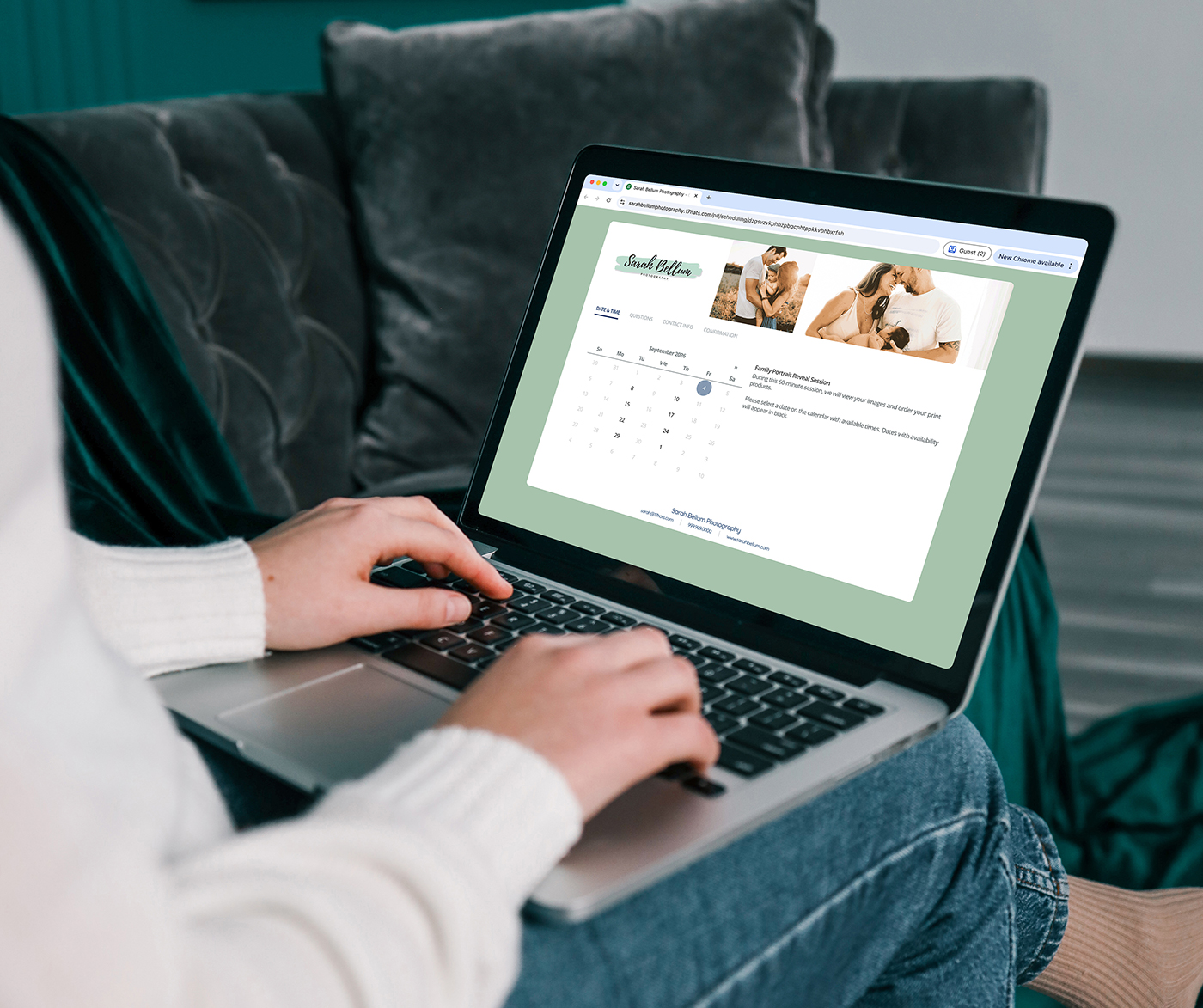

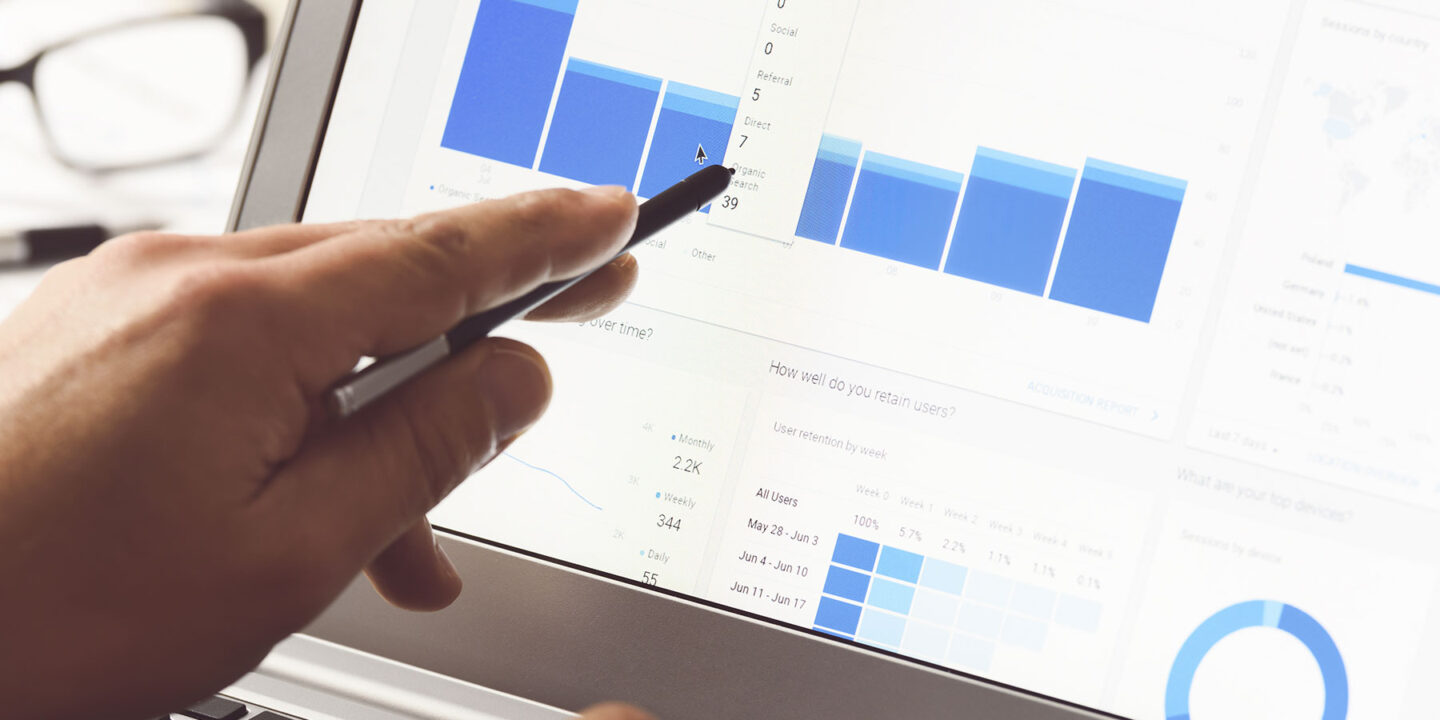
You’re spending time and energy driving people to your lead capture forms and online scheduling links. You’re posting on social media, running ads, sending emails, and showing up at every networking event. But do you actually know what’s working?
Most small business owners haven’t had a way to connect what happens before someone fills out a form to what happens after they book. That gap makes it hard to invest smarter, scale what’s working, or cut what isn’t.
Google Analytics integration for 17hats is designed to close that gap — and it’s going to change how you see your business.
The Question Every Small Business Owner Is Asking
You’re spending time and money to get people to your forms and scheduling links. The question you need answered isn’t just “how many people visited?” It’s “how many of those visitors became paying clients, and which marketing channel brought them there?”
Without that connection, every marketing decision is based on partial information. You might be pouring money into a channel that generates clicks but not bookings. Or you might be underinvesting in the one channel that quietly drives your highest-value clients.
What This Integration Makes Possible
When you connect your Google Analytics measurement ID to your 17hats Lead Capture Forms and online scheduling services, you unlock real visibility into your client experience.
See exactly how many people view your lead capture form and how many actually submit it. That conversion rate is powerful information. If your form gets 200 views but only 5 submissions, something needs to change — maybe the form is too long, maybe the offer is unclear. Now you’ll know.
Track which of your online scheduling services are getting views versus bookings. Maybe your consultation service gets 80 views but only 5 bookings. That’s a funnel problem, and now you can see it. This insight connects directly to understanding the marketing funnel stages and where your business is getting stuck.
Distinguish between lead activity and client activity. When you set up your scheduling services, you designate each one as a Lead, Schedule (existing clients), or Purchase. That means your analytics data maps to real business outcomes — not just clicks.
Connect your 17hats data to your broader marketing picture. If you’re already using Google Analytics to track your website, now your forms and scheduling pages live in the same ecosystem. You can see the full journey from first site visit to booked appointment. Combined with the insights about understanding your lead sources, this creates a complete picture of what’s working.
How to Get Set Up
The setup is straightforward and takes just a few minutes.
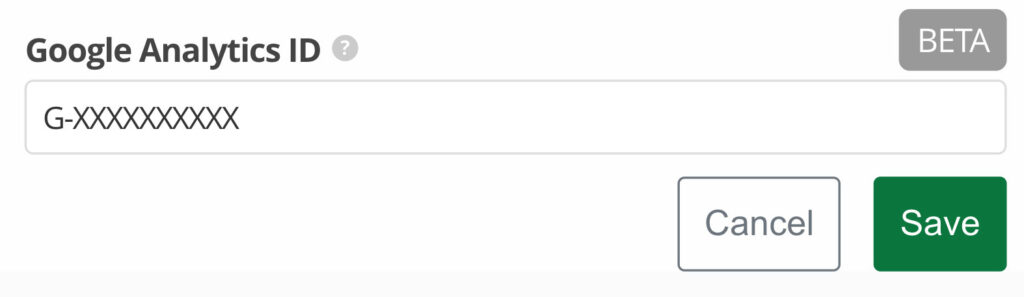
Find your Google Analytics Measurement ID. In Google Analytics, go to Property Settings, then Data Collection and Modification, then Data Streams. Open your data stream and you’ll find your ID — it looks like G-XXXXXXXXXX.
Add your ID to your lead capture forms. Open any Lead Capture Form in 17hats, find the Tracking Keys section, paste in your Measurement ID, and save. Your form will now automatically fire two events: one when someone views the form and one when they submit it.
Add your ID to your online scheduling services. Same process, with one extra step — choose what type of event this service should fire: Lead, Schedule, or Purchase. Pick the one that best describes what this service represents in your business.
Test it in real time. After setup, open your form or scheduling service, and head to Reports, then Realtime Overview in Google Analytics. Within 20 to 60 minutes, you’ll start seeing your events come through live.
Why This Matters Now
The businesses that grow intentionally aren’t the ones spending the most on marketing. They’re the ones who know exactly which efforts are producing results — and they double down accordingly.
This kind of clarity used to require expensive tools or complex setups. Now it takes a few minutes inside 17hats, and the insight it gives you can reshape how you invest your time and money going forward. This is especially important for understanding how every interaction builds your brand and contributes to real business results.
Frequently Asked Questions
Do I need to be a Google Analytics expert to use this? Not at all. If you can copy and paste a measurement ID, you can set this up. Google Analytics handles the data collection automatically once your ID is connected.
Will this work with my existing Google Analytics account? Yes. If you’re already using Google Analytics to track your website, adding your 17hats forms and scheduling pages means everything lives in one place. You’ll see the full picture from website visit to form submission.
Is this feature available now? The Google Analytics integration is currently in beta and rolling out soon. You can get set up now so you’re ready the moment it lands in your account.
What if I don’t have Google Analytics yet? Now is the perfect time to set it up. Google Analytics is free, and having it in place before this integration launches means you’ll start collecting data from day one.
Can I track which specific marketing campaigns are driving form submissions? Yes. When combined with UTM parameters on your links, you can trace form submissions back to specific social media posts, email campaigns, or ad groups.
Be Ready When It Launches — No Credit Card Required
Set up your 17hats account now so you’re ready to connect Google Analytics the moment this integration goes live.
Start your free trial today — no credit card required.
Latest Posts

Inside October’s Journey: From First Inquiry to Paid Invoice
October 15, 2026
How Business Consultants Protect Their Expertise With 17hats
October 9, 2026
Treat Your Collaboration Partners Like Clients
October 6, 2026