

Be honest: how many times this week did you do something you’ve done a hundred times before?
Sent the same welcome email. Followed up on the same overdue invoice. Answered the same question that a new client always asks. Manually booked an appointment that could have booked itself.
For small business owners, these tasks feel necessary — and they are. But they don’t need to require your direct attention every single time. Here are seven of the biggest time drains, and the simple automations that eliminate them.
1. Responding to New Inquiry Emails
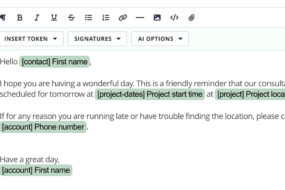
Every time someone fills out your contact form, you drop what you’re doing to write a reply. Multiply that by five, ten, or twenty leads a month, and you’re spending hours on the same message.
The fix: Set up an automated inquiry response that confirms receipt, sets expectations, and invites them to book a discovery call — all without you touching it.
2. Sending Invoices and Payment Reminders
Chasing payments is one of the most uncomfortable parts of running a business. It’s awkward, it’s time-consuming, and it shouldn’t require a personal email every time.
The fix: Automate your invoice delivery at project milestones and schedule friendly payment reminders via text and email when an invoice is past due. The system handles it; you stay out of it.
3. Client Booking and Onboarding
New client? Great. Now you need to send the contract, collect the deposit, share your welcome guide, request their questionnaire responses, schedule a kickoff call… It’s exhausting, and one missed step can derail the whole relationship.
The fix: Build a single onboarding workflow that triggers automatically when a new client books or pays. Every document, every email, every form goes out in the right order, every time.
4. Appointment Scheduling Back-and-Forth
“Does Tuesday work?” “I’m free Thursday.” “Actually, can we do Friday?” Scheduling a call shouldn’t take four emails and two days.
The fix: A booking link connected to your real availability. Clients pick a time, it lands on your calendar, and both of you get a confirmation. No back-and-forth required.
5. Contract Delivery and Follow-Up
Sending a contract manually, then remembering to follow up if it hasn’t been signed, then following up again — it’s a lot of mental overhead for something that should be routine.
The fix: Automate contract delivery immediately when booking, with an automatic reminder if the client hasn’t signed within two days. Done.
6. Collecting Client Information
Before you can start a project, you need details. Style preferences, brand guidelines, login credentials, project goals. Chasing this information manually wastes days.
The fix: Build a client questionnaire into your onboarding workflow. It goes out automatically, and the responses come back to you organized and ready to use.
7. Post-Project Follow-Up
When a project wraps up, you should be following up to ask for a review, offer ongoing services, and nurture the relationship. But in the rush of the next project, it never happens.
The fix: Automate a post-project sequence that sends a thank-you email, requests a review or testimonial, and checks in 30 days later. Your relationship with the client continues automatically.
The Common Thread
All seven of these tasks share the same problem: they’re essential but mechanical. They don’t require your judgment or your creativity. They just require consistency, which automation provides far more reliably than any human can.
The March issue of The Journey goes deeper on all of this, with real workflow examples and a practical guide to setting these systems up inside 17hats.
Latest Posts

How Photographers Book Headshot Sessions in 17hats
September 24, 2026
Using 17hats Questionnaires To Gather Wedding Day Details
September 23, 2026
How Balloon & Event Decor Businesses Rebook Annual Clients in 17hats
September 22, 2026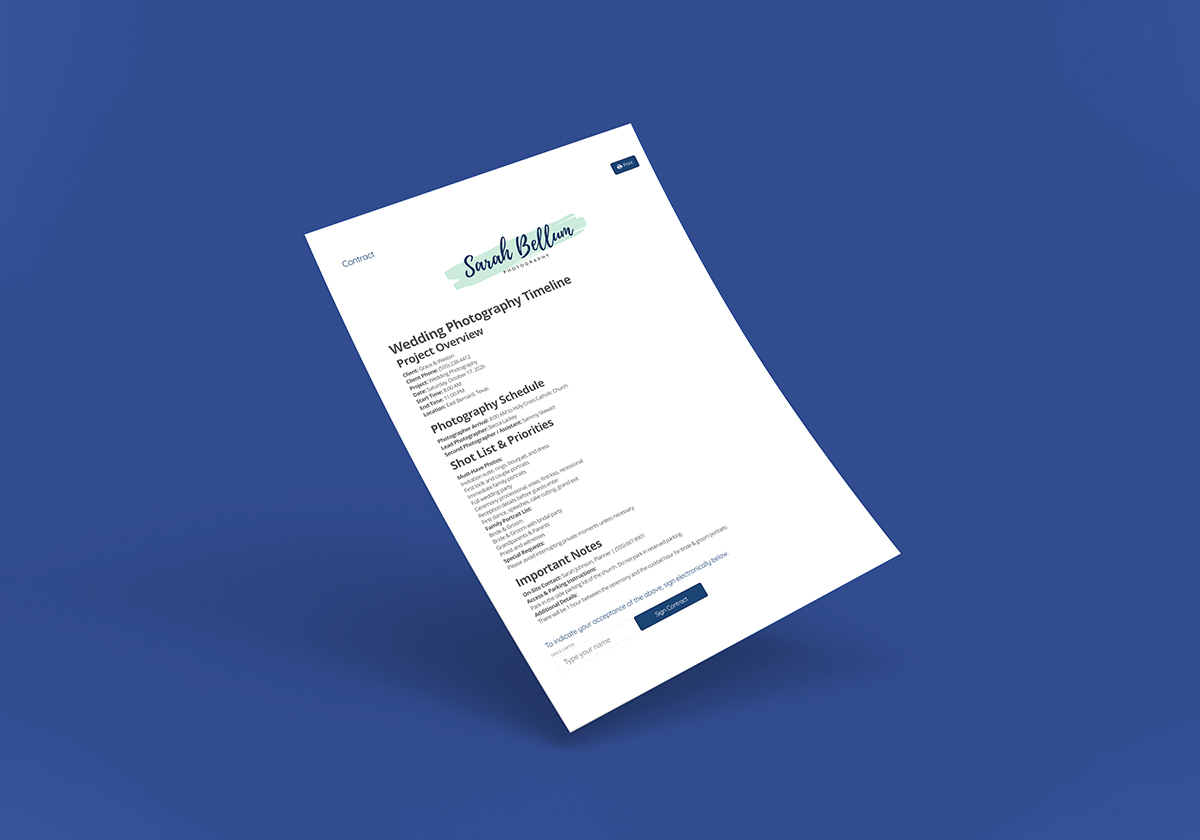
The Project Brief That Builds Itself From What You Already Know
September 19, 2026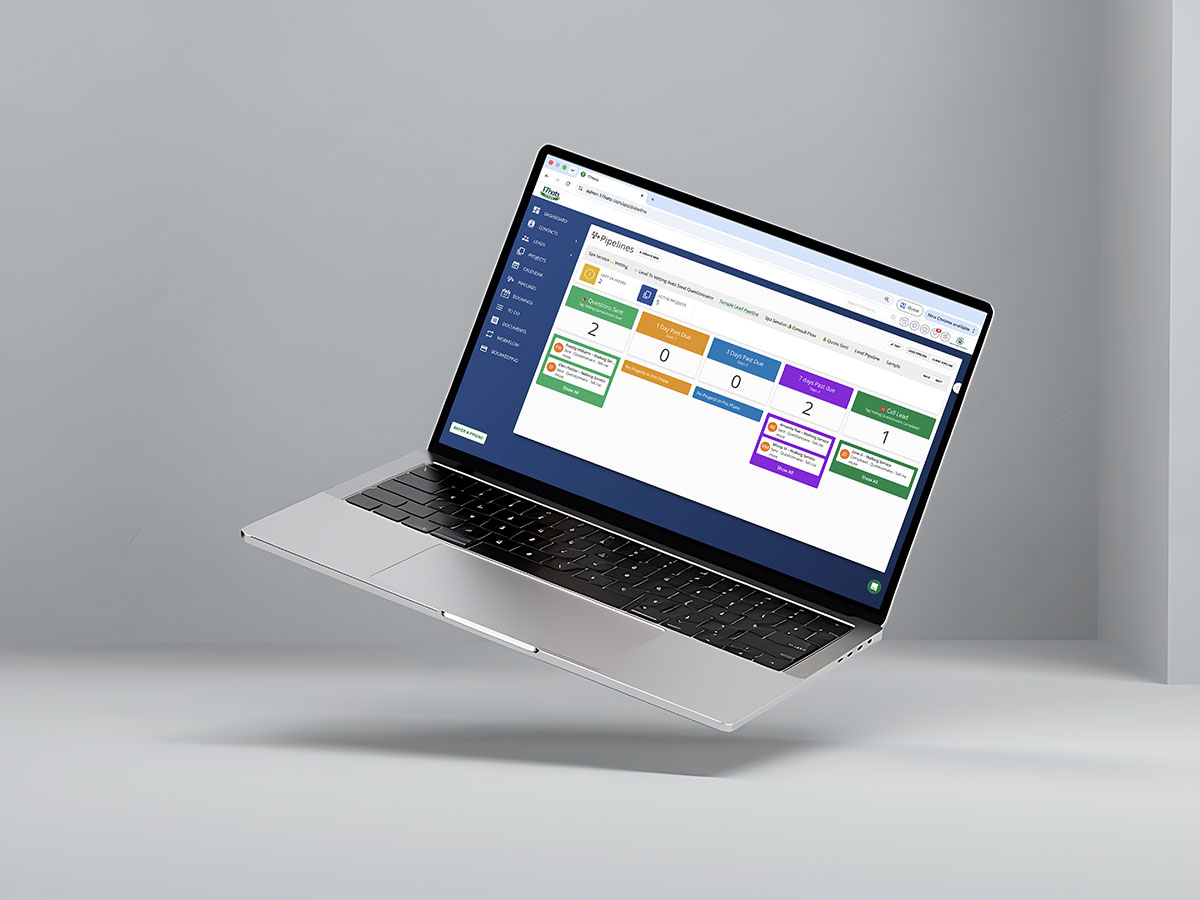
Automation Is Good. Knowing It Ran Is Better.
September 17, 2026