

You started your business to do work you love; not to spend your Sunday evenings sending invoices, chasing follow-ups, and onboarding clients one painstaking email at a time.
Yet here you are.
If admin tasks are quietly eating your most productive hours, you’re not alone. Most service-based business owners spend between 20–40% of their working week on tasks that could be handled automatically. That’s not just frustrating; it’s expensive.
The good news: automation doesn’t have to mean complicated tech, expensive software, or a steep learning curve. It just means making your systems do more of the heavy lifting so you can do more of what actually matters.
The March 2026 issue of The Journey — 17hats’ free monthly magazine — is dedicated entirely to this idea. Read it here.
First: What Should You Actually Automate?
Not everything is worth automating. The goal isn’t to remove yourself from your business; it’s to remove yourself from the repetitive parts that don’t need your personal attention.
A good rule of thumb: if you’ve done it the same way more than three times, it’s a candidate for automation.
Here’s where most small business owners start:
- Invoicing and payment reminders
- Lead inquiry responses and follow-ups
- Client onboarding sequences
- Appointment booking and confirmations
- Contract delivery and signature collection
- Post-project thank-you emails and review requests
These are tasks that are essential to running your business, but they don’t require your creativity, your expertise, or your personality. They just require consistency, and that’s exactly what automation is great at.
What to Keep Human
Automation is a tool, not a replacement for genuine connection. The most successful small business owners use automation to handle the infrastructure of their business so they have more energy for the parts that genuinely need them.
Keep these things personal:
- Your initial discovery calls and client conversations
- Proposals and pricing discussions
- Creative deliverables and feedback sessions
- Any touchpoint where a client is confused, upset, or needs reassurance
- Thank-you notes for significant projects or long-term relationships
The goal is a business that feels warm and personal to your clients, even when the back-end is running like clockwork without you.
A Simple Starter Workflow
If you’re new to automation, here’s the simplest possible workflow to set up first: your new inquiry response.
When a potential client fills out your contact form, instead of drafting a personal reply every time, you set up an automated response that:
- Confirms you’ve received their inquiry and will be in touch within 24 hours
- Shares a brief overview of how you work together
- Sends them a link to book a free discovery call
- Optionally, answers the three most common questions you always get
That’s it. A four-part email that runs automatically every time someone reaches out — giving your leads a professional, responsive experience while you’re focused on client work (or, let’s be honest, actually resting).
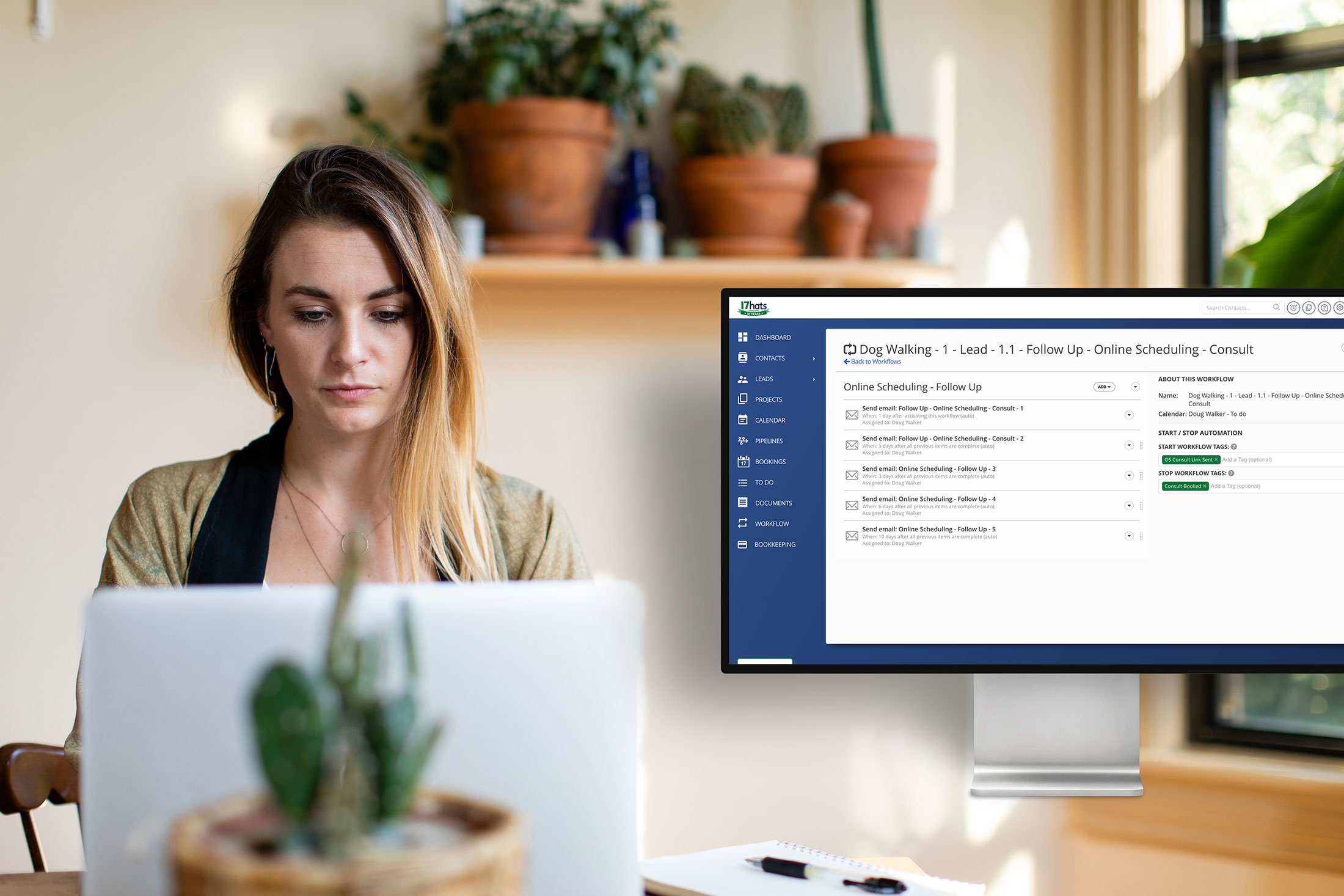
In 17hats, this takes about 10 minutes to set up. Once it’s live, it runs forever.
Build the System Once, Benefit Forever
The thing most business owners miss about automation is the compounding return. An hour spent building a workflow today pays dividends every single week it runs. The effort is front-loaded; the benefit is ongoing.
Think of it less like adding a to-do item and more like training an extremely reliable assistant who never forgets, never gets tired, and never has a bad day.
The March issue of The Journey walks through exactly how to build these systems inside 17hats — with real examples, step-by-step instructions, and guidance on where to start. It’s free to read this month.
Your Next Step
Choose one repetitive task you did this week. Just one. Ask yourself: could this have been handled automatically?
If the answer is yes — that’s your starting point.
Read the March issue of The Journey free here:
Latest Posts




Best Moxie Alternatives for Service Businesses
March 18, 2026