


Adapted from the November 2026 issue of The Journey.
Every December, a lot of small business owners make the same quiet bet. They figure that if they stay reachable through the holidays, answering emails at the kitchen table and squeezing in one more rush job, clients will reward them for it. Sometimes that’s true. More often the client barely notices, and the owner starts January already tired.
When we asked 17hats ambassadors how they get through busy season for the November issue of The Journey, most of them started in the same place. Photographer Maddy Mahairas Jenkins put it this way: “A fully booked calendar doesn’t always mean a successful season if you’re too overwhelmed to enjoy it. Protect your time, set boundaries, and remember that you deserve to enjoy the holidays, too!”
So how do you set holiday boundaries without losing clients? Decide your dates early, tell people before they need you, and put the rules somewhere that enforces them for you (your calendar, your auto-responder, your booking page) so you aren’t negotiating each one by hand. Clients rarely leave over a closure they heard about in November. What annoys them is the one they discover on December 23.
Below is sample wording you can borrow for each piece.
Decide your hours before anyone asks
This sounds obvious, but most owners skip it. They have a rough sense that they’ll “slow down around Christmas” and then work it out one request at a time, which is how a three-day break turns into answering emails from the in-laws’ guest room.
Before you write a single message, settle on:
- The days you’re fully closed, and any days with reduced hours
- How quickly you’ll reply to messages during the season (it doesn’t have to match the rest of the year)
- The last date you’ll take new work or rush requests before the break
That last one does a lot of the work for you. A cutoff date turns “Can you squeeze me in on the 22nd?” into a question you’ve already answered.
Christine Lopez, a student loan consultant and 17hats ambassador, told us she’s learned “that not everything has to be done immediately. Prioritize what matters most, take care of your clients, and remember to make time for your family and yourself during the holiday season.” A stated response time is the practical version of that. Two business days is plenty for most service work, and clients tend to accept whatever you say clearly and in advance.
Sample wording for your holiday hours email
Send this to current clients in early November, early enough that nobody is mid-project when they read it and before the holiday inbox gets loud.
Subject: Our holiday hours
Hi [First name],
Thank you for being part of a wonderful year at [Business name]! I want to make sure you know our schedule for the holidays.
We’ll be closed [dates], and we’ll be back on 2026. If you need anything before then, please reach out by 2026 so I can take care of it before the break.
Wishing you a happy and restful season,
[Your name]
That’s the template from the magazine, and it’s short on purpose. Notice that it gives the client a deadline of their own. People like knowing when they need to act, and it pulls the last-minute requests earlier, which is the whole point. In 17hats, the names become tokens like {Contact First Name} and {Account Company Name}, so the email fills itself in for each client.
If you offer gift cards or a holiday special, add one line about it before the sign-off. Just one, though. This email’s job is the schedule.
What your auto-responder should say while you’re away
New inquiries don’t stop because you did. Plenty of people use the quiet days between holidays to research and reach out, and a lead who writes on December 27 and hears nothing until January 4 may well have booked someone else by then.
An auto-responder covers that gap. In 17hats you can swap the one on your lead capture form for a holiday version, something like:
Hi [First name],
Thank you for contacting [Business name]! We’re taking a short holiday break and will be back on 2026. Your message is safe with us, and I’ll reply personally as soon as I’m back. In the meantime, you can learn more about what we offer at [website].
Talk soon,
[Your name]
If you have open dates in the new year, add a link to your online scheduling page so they can grab a call before you’re back. The lead gets an answer and a next step, and you get to stay off your phone.
Then set a reminder to switch it back. (Ask anyone who’s had “closed for the holidays” running in mid-February.)
Response times clients will respect
During busy season the messages that wear you down usually aren’t the big ones. It’s the steady drip of “just checking in” and “quick question,” each of which feels like it needs an answer right now.
It helps to state your response time once, somewhere clients will see it. Your email signature works, and so does a line in your Client Portal welcome message:
From 2026 through 2026, I’m replying to messages within two business days. If something is truly urgent, put URGENT in the subject line and I’ll look at it the same day.
The urgent option matters more than it looks. It tells clients you’re still there for real problems, and in practice very few people abuse it.
Saying no to a rush request (without saying no to the client)
This is the one people dread. A good client asks for something you’d normally be glad to do, at a time you’ve already blocked off.
You don’t have to choose between canceling your plans and a flat no. Offer the nearest date you can manage:
I’d love to help with this! I’m closed from 2026 to 2026, but I can have it to you by 2026. If that timing doesn’t work, let me know and I’ll point you toward someone who can help sooner.
Most clients take the later date. The ones who truly can’t wait were going to be stressful either way, and referring them out keeps the goodwill. If you charge rush fees the rest of the year, there’s nothing wrong with holiday rush fees too; just put them in writing before December rather than inventing them on the spot. (We covered how to word policies like this in 10 Policies Every Small Business Needs.)
Let your calendar enforce it
Boundaries that live only in your head get renegotiated every time someone asks nicely. The more of them you hand off to your systems, the fewer awkward conversations you’ll have. A few things from the issue’s “Busy Season, Handled” feature that help:
Block the time on your calendar first. Add holiday closures, travel days and family time before clients start booking. With calendar cross-check turned on, Online Scheduling won’t let anyone book over time that’s already taken.
Pause instead of restarting. If a client wants to push their project to January, pause their Workflow and resume it later. Nothing fires while they’re away, and you don’t rebuild a step.
Let Workflows send the routine messages. Photographer Jamie Solorio told us that when clients book, 17hats “automatically handles confirmations, questionnaires, contracts, invoices, and reminders,” which frees her “to focus on what I love most, being with my family and creating art.” Confirmations and reminders are exactly the emails you don’t want to be writing on Christmas Eve.
None of this is complicated. It just means the rules hold even on the days you’d rather not enforce them yourself.
Will you lose clients?
Probably not the ones you want to keep. In our experience, clients who get clear dates in November don’t think twice about a closure in December. What costs owners goodwill tends to be the opposite situation, slow and unexplained replies from someone who’s technically “open” but clearly overwhelmed.
If you’re nervous, start smaller than you think you need to. Close two days instead of a week, and publish your hours anyway. Next year you’ll have proof the business survived it.
FAQ
When should I tell clients about my holiday hours?
Early November is a good target for current clients, since it gives anyone with a project in progress time to plan around you. Put the same dates on your website and booking page around then too.
Will clients be upset if I take time off over the holidays?
Very few will, as long as they hear about it ahead of time and know when you’ll be back. Surprise is what upsets people, much more than the time off itself.
What should a holiday auto-reply say?
That you got their message, when you’ll be back, and one useful next step, like a link to your website or booking page. A few sentences is enough.
The full “Busy Season, Handled” feature, including five ways to earn more this holiday season, is in the November 2026 issue of The Journey. If you’d like ready-made holiday emails to start from, the free Holiday Email Template Pack in the 17hats Marketplace imports straight into your account.
Latest Posts

Did You Miss These 2026 Updates?
November 10, 2026
How to Set Holiday Boundaries Without Losing Clients
November 10, 2026
What to Include in a Service Contract (Whatever You Sell)
November 5, 2026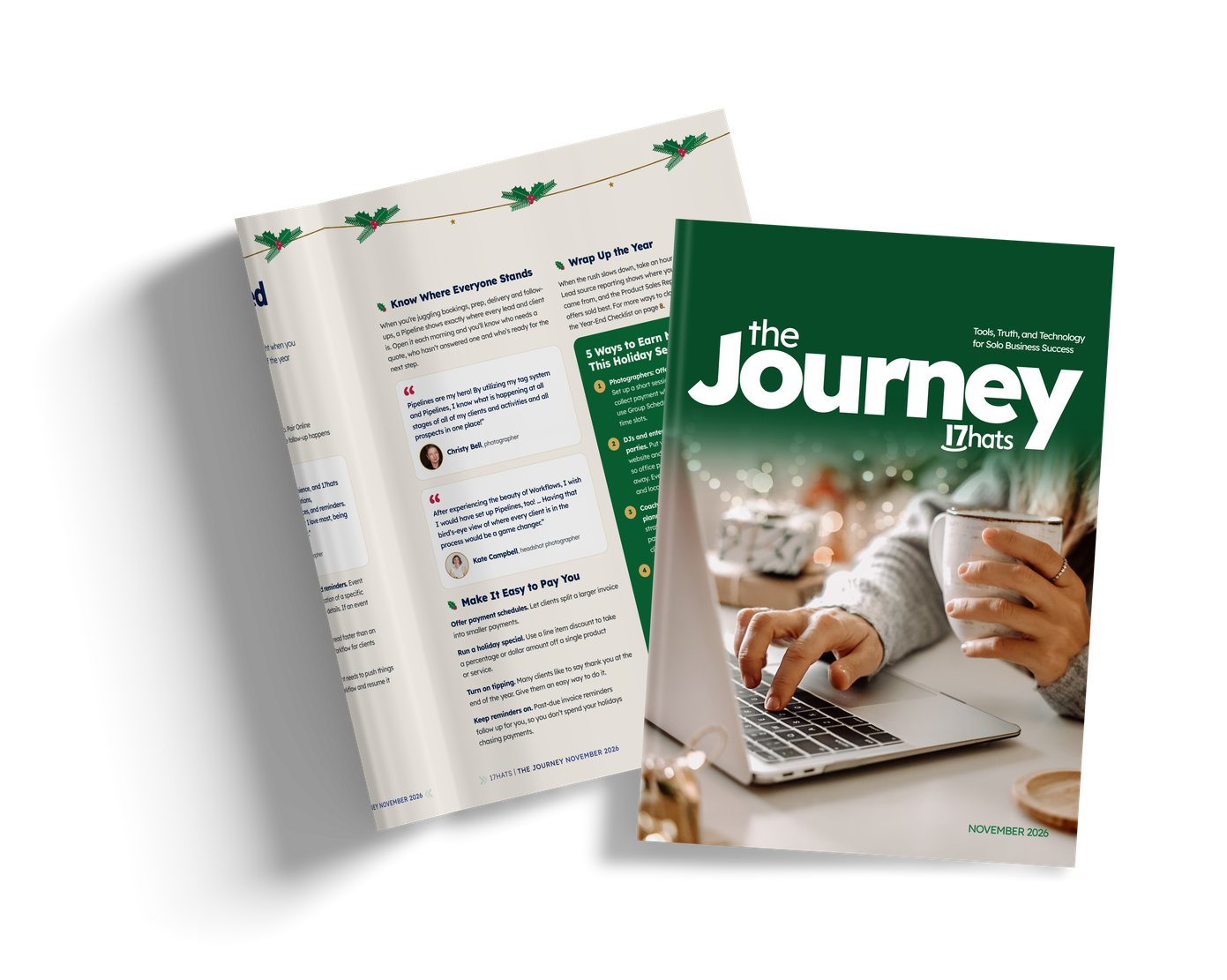

How to Stay Top of Mind With Past Clients (No Newsletter Needed)
October 29, 2026