

If you want to send SMS messages through 17hats, whether you’re auto-responding to leads, confirming appointments, or keeping clients in the loop, there’s one big rule you can’t skip: you must get permission first. That means every person you text has to opt in before you can send them a message.
“Opt-in” sounds fancy, but really it just means someone has agreed to receive text messages from you on a specific phone number. That permission is tied to that number, so if they change their digits down the road, they’ll need to opt in again.
Why This Matters
Texting is powerful. It’s fast, personal, and gets attention. But it’s also regulated. You need consent before you message people, so you stay professional and compliant with the rules around SMS communication.
Luckily, 17hats makes getting opt-ins pretty painless.
Easy Ways to Collect Opt-Ins in 17hats
Here are the places to invite people to opt in, whether they’re brand-new leads or long-time clients:
1. Lead Capture Forms
If you have a Lead Capture Form on your website where people inquire about your services, that’s a perfect spot to add a simple opt-in question. People can say “Yes” and enter the number they want to receive texts, right when they’re already giving you their info.
🎯 Tip: You can choose whether the opt-in question is optional or required, depending on how important texting is to you.
2. Online Scheduling
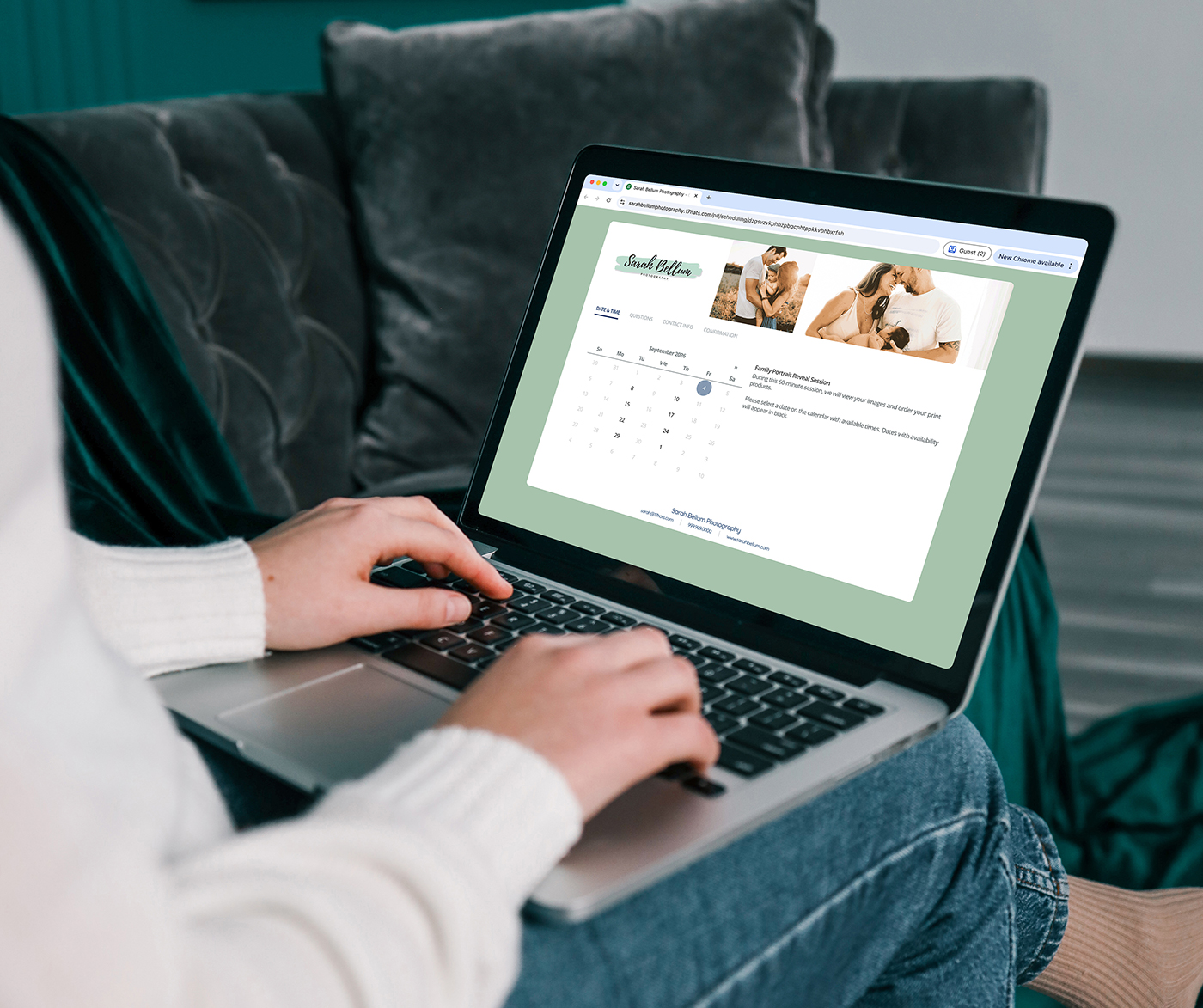
Online scheduling tools in 17hats already capture client attention and confirmation. By adding an opt-in question here, you give potential clients a chance to say “yes” as they book appointments, events, or consultations.
3. Questionnaires
Do you have a questionnaire that helps you onboard new clients or gather info before a session? Toss your opt-in request in there. Since clients are already engaging with you, they tend to be happy to hit that “yes” button if they see value in texts like reminders or updates.
🎯 Tip: You can also send a one-question questionnaire titled “Texting Opt-In” to current leads and clients. It doesn’t have to be fancy!
A Quick Look at What Happens Next
Once someone opts in, 17hats:
- Sends them an automatic confirmation text, so they know they’re signed up.
- Tracks their subscription status in your SMS dashboard.
And if someone ever changes their mind? No problem. Clients can reply STOP to any text and they’ll be opted out automatically. You’ll see that status too, and they won’t get any more messages until they opt in again.
Pro tip: If someone has opted out but later wants texts again, sending a questionnaire with an opt-in question is a great way to bring them back in the SMS loop.
Get Creative with Opt-Ins
You don’t have to stick to the basics. Think about how your audience interacts with you:
- Add a friendly SMS opt-in invite at the bottom of your onboarding questionnaire confirmation.
- Offer exclusive tips or updates via text in exchange for opting in.
- Use your welcome email or onboarding sequence to explain the perks of texting.
Whatever you choose, just make sure the ask feels natural and valuable, not pushy.
Texting in 17hats is one of those features that can level up your client communication, but only if people agree to hear from you. With a few thoughtful opt-in spots in your forms and documents, you’ll be set up to text confidently and compliantly. Let’s make your messages wanted!
Texting just got smarter — and it’s waiting for you inside 17hats.
Already a member? Activate Texting now and start building better client connections. Grab our SMS Texting Module in your Account Settings.
Not yet part of 17hats? Join thousands of business owners who manage it all in one place.
Latest Posts

Inside October’s Journey: From First Inquiry to Paid Invoice
October 15, 2026
How Business Consultants Protect Their Expertise With 17hats
October 9, 2026
Treat Your Collaboration Partners Like Clients
October 6, 2026